Transactions
Every file has a home base.
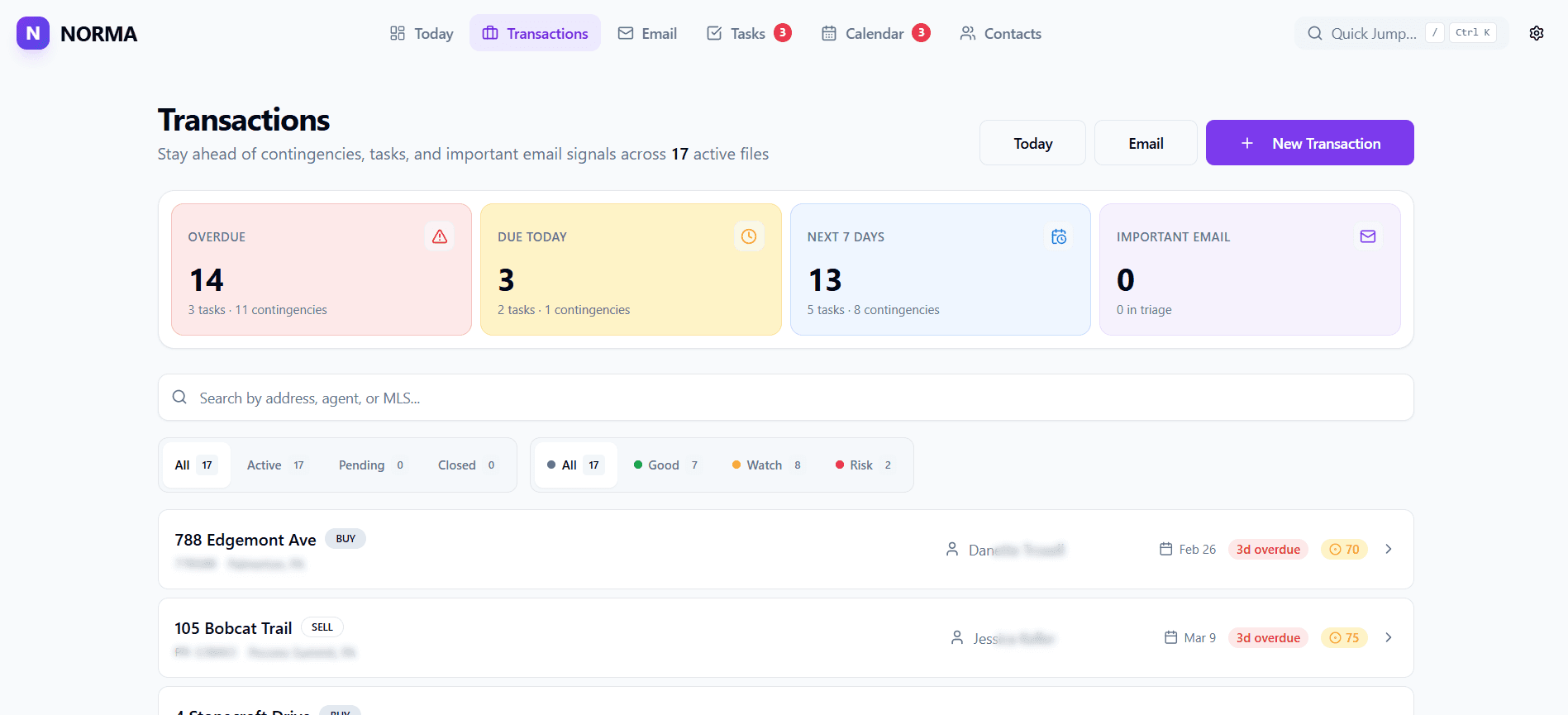
Keep dates, tasks, documents, people, notes, email actions, cover sheets, and next steps connected to the transaction they belong to.
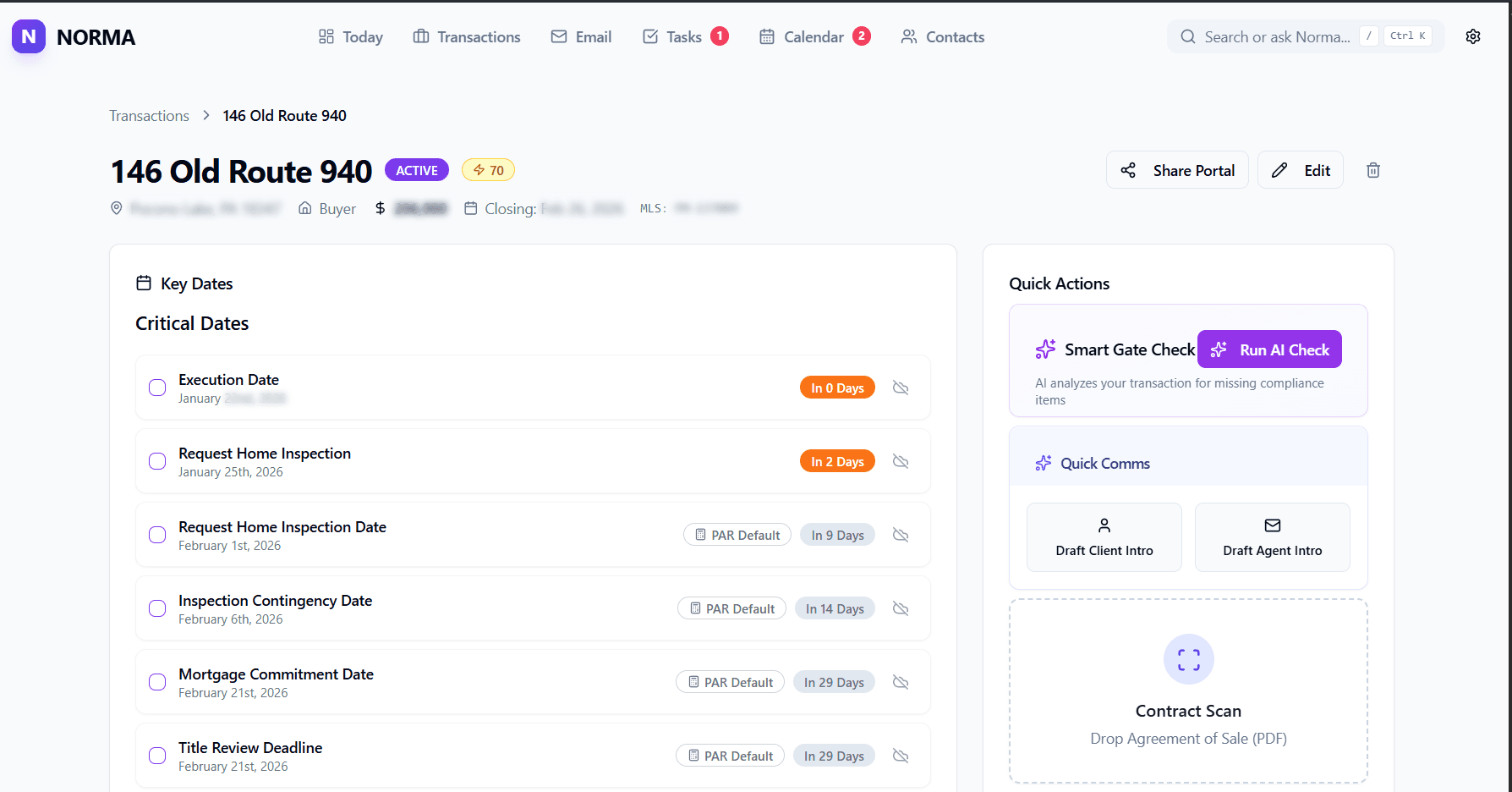
Norma brings tasks, deadlines, documents, email, and follow-ups into one calm workspace, so you can see what needs action before anything slips.
Built for active files, real follow-ups, and the work between contract and close.
The Real Problem
Most TC work does not get harder because you forgot how to do the job. It gets harder because the work is spread across email threads, calendars, checklists, portals, spreadsheets, and mental notes.
Norma gives that work one daily operating surface.
Workflow
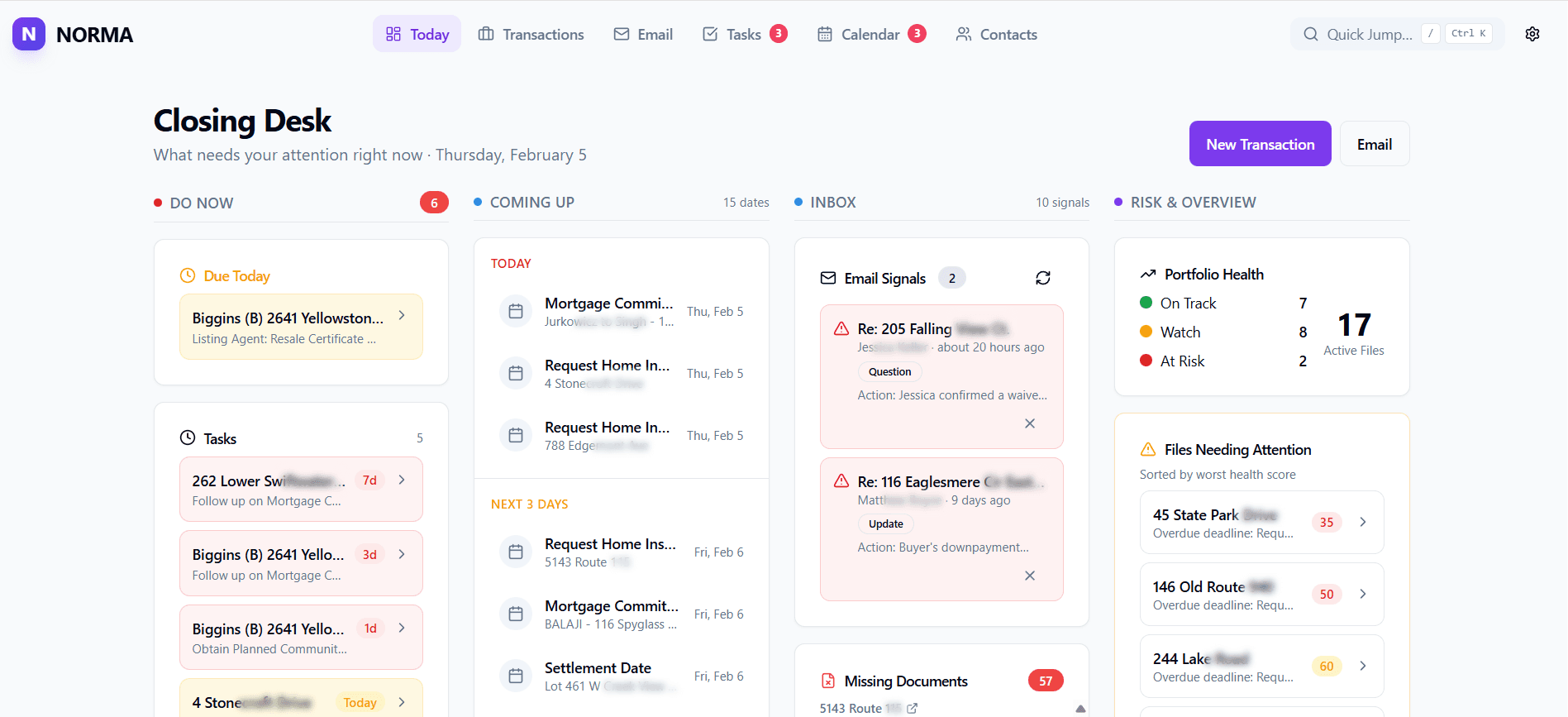
The Home desk organizes the day around the work that moves files forward.
Overdue follow-ups, due tasks, and file work that needs attention today.
Key dates and deadlines before they become urgent.
Every person, document, answer, and update still holding a file open.
Missing docs, low-health files, and the places most likely to cause friction.
Product
Norma is not a pretty checklist with a few labels changed. It is a workspace for the places your day actually happens: files, email, tasks, deadlines, documents, and intake.
Transactions
Keep dates, tasks, documents, people, notes, email actions, cover sheets, and next steps connected to the transaction they belong to.
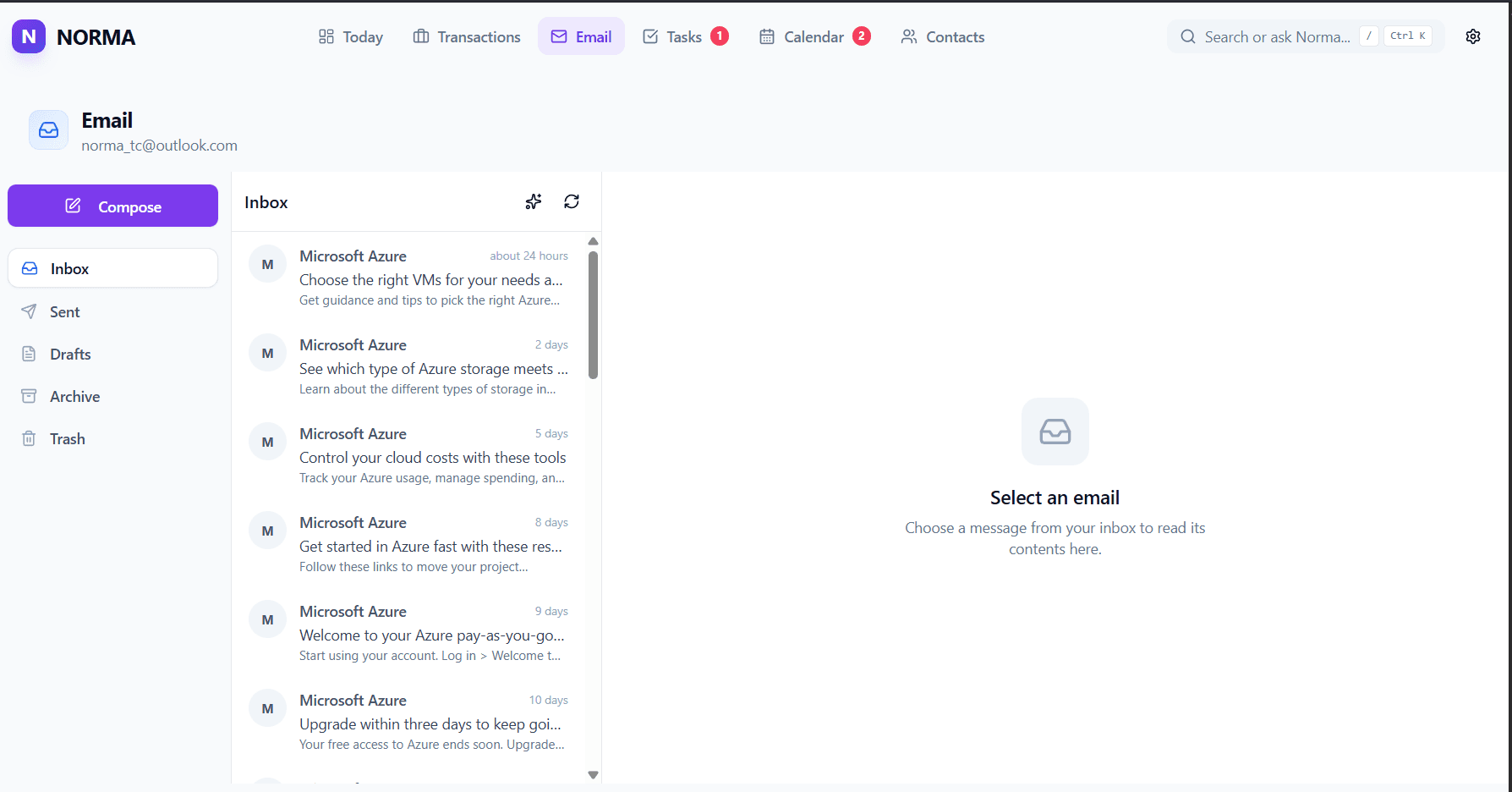
Work from the inbox without losing file context. Link messages to transactions, create tasks, add Waiting On items, mark documents received, reply with templates, and keep the thread connected to the work.
Tasks & Waiting On
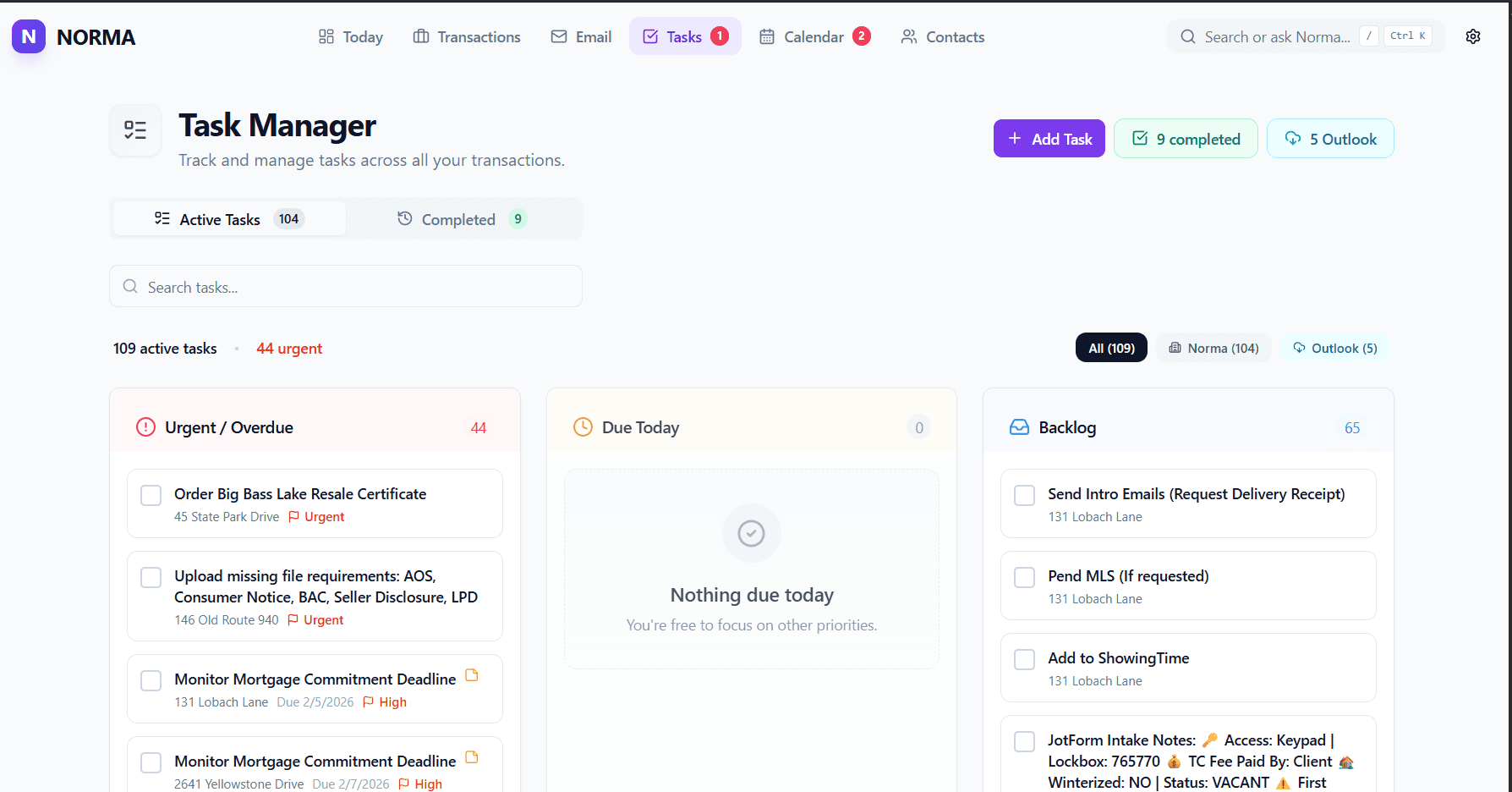
Tasks are work you can do. Waiting On items track the people, documents, answers, and approvals that are holding a file open. Move between them as the file changes.
Documents & Cover Sheets
Track required documents, see what is missing, and generate clean folder covers that summarize the people, property, and critical dates.
Intake
Create a transaction from a contract upload, manual entry, an intake link, Jotform, or connected imports depending on how the details come in.
AI
Norma uses AI where it can reduce admin work without taking control away from the transaction coordinator. Contract extraction, email signals, summaries, and suggested next steps are designed to be reviewed, edited, and trusted because you stay in the loop.
AI should help the TC see the file more clearly: what was found, what is missing, what may need review, and what action could come next. It should not bury the desk in synthetic busywork.
Norma Suite
NormaTC is the center of the daily desk. Around it, the suite is growing into focused tools for intake, reports, utilities, and the other operational surfaces that support transaction coordination.
The daily closing desk for transaction coordinators.
A cleaner way to collect file details and start transactions.
Reporting surfaces for production, files, and operational visibility.
Utility tracking for addresses, providers, and connection details.
Request an invite while private beta access is active. Public pricing is planned around flat monthly tiers with no per-file fees.
For TCs getting started or managing under 10 files
For solo TCs managing 10-30+ transactions monthly
For small TC teams who need shared visibility
Pricing is planned and may adjust before public launch. Beta access is free while cohorts open.
FAQ
NormaTC is in invite-only private beta. Invites go out in small cohorts so working TCs can shape the product before broader launch.
No. Norma works with email as a source of transaction work. The goal is to keep messages, follow-ups, documents, and file context connected without forcing your day into a separate inbox.
Norma is organized around the daily operating view: what needs action, what is coming up, what is still waiting on someone else, and which files need attention. The checklist is part of the work, not the whole product.
AI is used for reviewable workflow help such as contract extraction, email signal triage, and draftable summaries. It is designed to surface context and save clicks while keeping the TC in control.
No. Private beta access is free for invited users. Planned launch pricing is shown so buyers have a realistic expectation, but it may adjust before public release.